How Long Does a CT Scan Take? Complete Guide to Duration, Results, and What to Expect
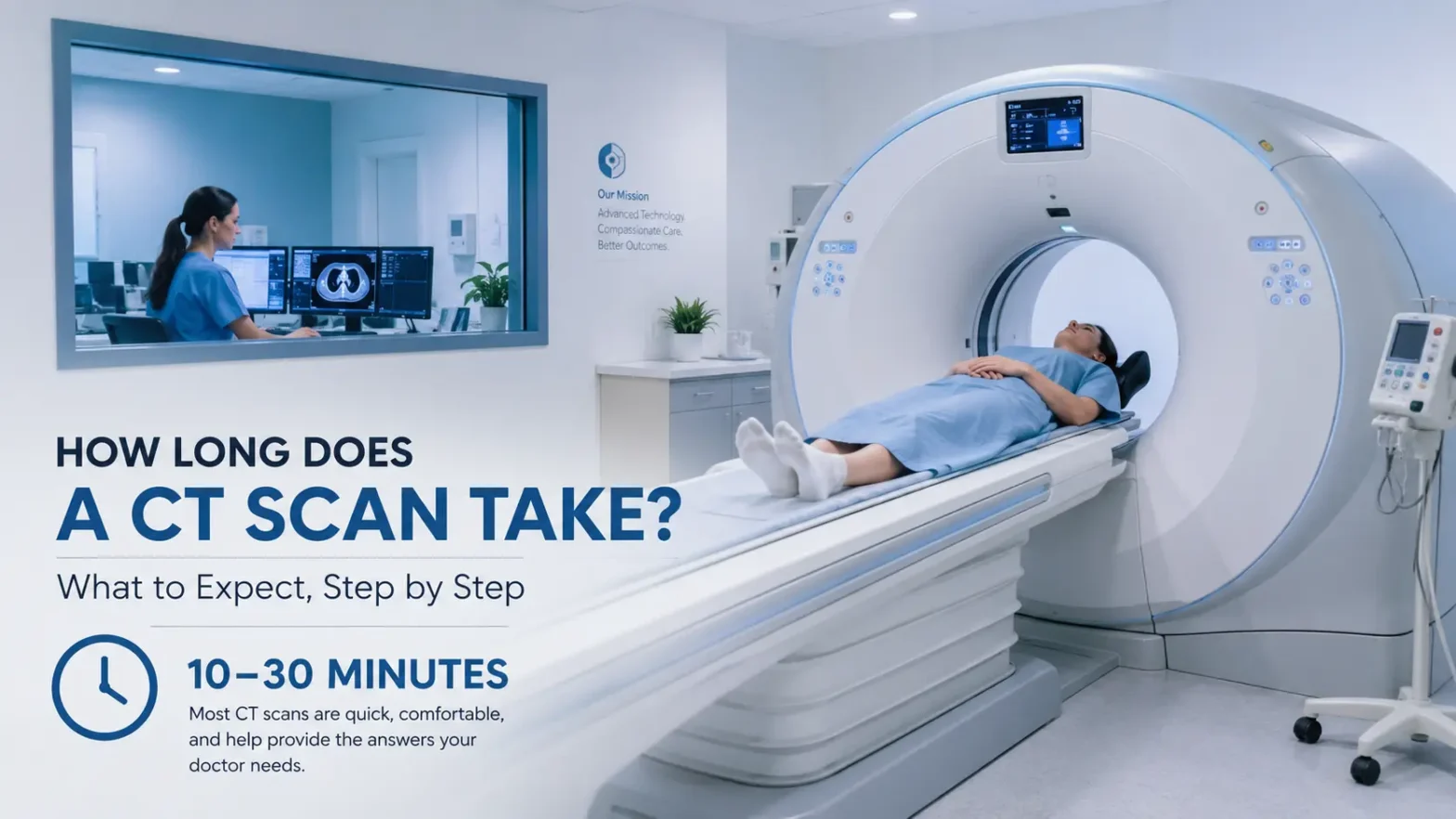
If you're scheduled for a CT scan, you're probably wondering How Long Does a CT Scan Take. The good news is that most CT scans are quick, non-invasive procedures that typically take 10–30 minutes from start to finish, with the actual scanning time often just a few minutes. However, the total time you'll spend at the facility—including preparation, the scan itself, and post-scan procedures—can range from 20 to 45 minutes depending on the type of scan and whether contrast dye is used.
This comprehensive guide answers everyone's top questions: How long does it take to do a CT scan? How long does a CT scan report take? When will you get results? How long does a low-dose CT scan take? And what can you expect before, during, and after the procedure. Whether you're a patient, caregiver, or healthcare professional, you'll find accurate, EEAT-friendly information backed by current medical standards.
Understanding CT Scan Duration: The Basics
What Is a CT Scan?
A CT (Computed Tomography) scan is a medical imaging procedure that uses X-rays and computer technology to create detailed cross-sectional images of your body's internal structures. Unlike standard X-rays, CT scans provide 3D views that help doctors diagnose injuries, infections, cancers, vascular diseases, and other conditions with remarkable accuracy.
The Short Answer: How Long Does It Take?
Most CT scans are quick, non-invasive, and typically completed in less than 30 minutes from start to finish. Here's the breakdown:
Scan Type
Actual Scanning Time
Total Visit Time
Head/Brain CT
10–15 minutes
15–20 minutes
Chest CT
15–20 minutes
20–30 minutes
Abdominal/Pelvic CT
20–30 minutes
30–40 minutes
Full-Body CT
30–45 minutes
45–60 minutes
Low-Dose CT Scan
2–5 minutes
20–30 minutes
With contrast dye: Add 10–15 minutes for preparation and reaction monitoring.
How Long Does It Take to Do a CT Scan: Step-by-Step Breakdown
Understanding the complete process helps reduce anxiety and lets you plan your day properly. Here's what happens at each stage:
Step 1: Check-In and Preparation (5–10 minutes)
When you arrive at the imaging center or hospital:
You'll check in at the reception
Verify your identity and insurance information
Complete any necessary paperwork
Change into a hospital gown if required (depending on the scan area)
Remove metal objects (jewelry, glasses, hairpins) that could interfere with images
Step 2: Pre-Scan Preparation (5–15 minutes)
The technologist will:
Explain the procedure and answer questions
Ask about medical history, allergies, and pregnancy
Insert an IV line if contrast dye is needed
Administer oral contrast if required (for abdominal/pelvic scans)
Position you correctly on the scanning table
Important: Scans with contrast take longer because of these extra preparation steps.
Step 3: The Actual Scan (2–30 minutes)
This is when the machine takes images:
You'll lie on a motorized table that slides into the CT scanner (a donut-shaped machine)
The technologist operates the scanner from an adjacent room
The machine rotates around you, taking multiple X-ray images
You may hear buzzing, clicking, or whirring sounds
You must stay still during the scan to ensure clear images
The technologist may ask you to hold your breath briefly
The actual scanning time is often just 2–5 minutes for most scans, even though the entire process takes longer.
Step 4: Post-Scan Procedures (5–10 minutes)
After the scan:
You'll be helped off the table
If you received contrast dye, you may need to rest briefly while staff monitors for reactions
The IV line is removed (if used)
You can usually change back into your clothes immediately
No recovery room is needed for most CT scans
You can typically return to normal activities right away
Duration by Body Part: How Long Does Each Type of CT Scan Take?
Different body areas require different scanning times. Here's a detailed breakdown:
Head or Brain CT Scan
Actual scanning time: 10–15 minutes
Total visit: 15–20 minutes
Common uses: Stroke detection, head injuries, tumors, bleeding
Chest CT Scan
Actual scanning time: 15–20 minutes
Total visit: 20–30 minutes
Common uses: Lung cancer screening, pneumonia, pulmonary embolism, chest trauma
Abdominal or Pelvic CT Scan
Actual scanning time: 20–30 minutes
Total visit: 30–40 minutes
Common uses: Appendicitis, kidney stones, abdominal pain, cancer staging
Note: Often requires oral and/or IV contrast, adding 10–15 minutes
Full-Body CT Scan
Actual scanning time: 30–45 minutes
Total visit: 45–60 minutes
Common uses: Trauma evaluation, cancer screening, comprehensive health assessment
Cardiac CT Scan
Actual scanning time: 15–30 minutes
Total visit: 30–45 minutes
Note: May take slightly longer due to complex analysis requirements
How Long Does a Low-Dose CT Scan Take?
Low-dose CT (LDCT) scans use significantly less radiation than standard CT scans while still producing diagnostic-quality images. This makes them ideal for screening purposes, particularly lung cancer screening.
Low-Dose CT Scan Duration
The low-dose CT scan itself typically takes just 2–5 minutes.
This is the portion where you're lying on the table and the machine is actively taking images. However, the complete experience includes:
Phase
Time Required
Check-in and preparation
5–10 minutes
Getting situated with technician
3–5 minutes
Actual scanning
2–5 minutes
Post-scan (no recovery needed)
0–2 minutes
Total visit time
20–30 minutes maximum
Low-Dose CT by Body Area
Chest (lungs): 2–5 minutes (most common LDCT application)
Abdomen or pelvis: 5–7 minutes if more images are needed
Head: Not typically done as LDCT, but still under 10 minutes
Key Benefits of Low-Dose CT
70–90% less radiation than a standard scan
Painless and non-invasive
No recovery time needed
You can return to work, school, or errands immediately
Some sources indicate low-dose CT scans may take 10–30 minutes total depending on the specific area and technology used, but the most current information shows the actual scanning is typically just 2–5 minutes.
How Long Does a CT Scan Report Take? Understanding the Timeline
Many patients confuse the scan duration with the time it takes to receive results. How long does a CT scan report take to be generated and delivered to your doctor?
Typical Report Turnaround Time
Most reports are ready within 24 hours; urgent cases may be faster.
The typical waiting time for CT scan results is about 24–48 hours.
Detailed Timeline Breakdown
Scenario
Report Time
Emergency/urgent cases
Minutes to 1 hour
Standard outpatient scan
24–48 hours
Most routine cases
24–72 hours
Follow-up monitoring scans
24–48 hours
Complex cases requiring additional analysis
May take longer
Factors That Affect Report Timing
Urgency level: Emergency department scans (heart attack, stroke, chest pain) are prioritized and reviewed within minutes to an hour
Scan complexity: Certain scans requiring detailed analysis of complex areas like the heart may take slightly longer
Contrast dye usage: Scans with contrast dye or those requiring comparison with previous imaging need additional hours to finalize results
Radiologist workload: Additional analysis by the radiologist and referring physician may be necessary before finalizing findings
Facility type: Large hospitals may have faster turnaround for emergencies; outpatient centers typically follow standard 24–48 hour windows
At most imaging centers, most scan results are reviewed within 24–48 hours, with urgent findings reported sooner.
How Long Does a CT Scan Take to Get Results: From Scan to Diagnosis
How long does a CT scan take to get results depends on several factors beyond just the radiologist's reading time.
The Complete Results Timeline
Scan completion: 10–30 minutes
Image processing: Minutes after scan ends
Radiologist interpretation:
Emergency: Minutes to 1 hour
Routine: Several hours to 24 hours
Report finalization: 24–48 hours typically
Doctor review: Your referring physician needs time to review the radiologist's report before discussing with you
Results delivery:
Patient portal: Often available within 24–48 hours
Phone call: Scheduled follow-up appointment
In-person: During your next visit
Why There's Often a Delay
Even after the radiologist completes their detailed report, your doctor may need extra time to review and interpret the results before sharing them with you. This is because:
Your doctor needs to correlate CT findings with your clinical history
Additional tests might be needed for confirmation
Treatment plans require careful consideration
Some findings require consultation with specialists
In emergencies, CT scans are often processed faster to provide immediate results, but routine scans follow standard protocols.
You can typically receive results within 12–48 hours, but sometimes it takes longer because accuracy is paramount and missed diagnoses are unacceptable
What Affects CT Scan Duration? Key Factors Explained
Several factors influence how long it takes to do a CT scan:
1. Type of Scanner
Newer scanners are faster and clearer. Modern CT technology can complete scans in seconds, while older machines may take longer.
2. Scan Settings
The scan's settings, like how many images and how thick, also play a part. More detailed imaging requires more time.
3. Contrast Dye Usage
Scans with contrast take longer because of the extra steps needed:
IV insertion (5 minutes)
Contrast administration (2–3 minutes)
Reaction monitoring (10–15 minutes)
Add 10–15 minutes total when contrast is used
4. Body Area Being Scanned
Larger areas or complex anatomy require more images and longer scanning time.
5. Patient Factors
Ability to remain still (movement requires rescan)
Body size (may require adjusted settings)
Medical conditions affecting positioning
Anxiety requiring additional explanation time
6. Facility Workflow
Busy hospitals may have longer wait times before the scan starts, though the actual scan duration remains the same.
What to Expect Before Your CT Scan: Preparation Guide
Proper preparation ensures your scan runs smoothly and quickly.
General Preparation (All CT Scans)
Arrive 15–20 minutes early for check-in
Wear comfortable, metal-free clothing or bring a gown
Remove all jewelry, glasses, dentures, and hair accessories
Inform staff about:
Allergies (especially to contrast dye or iodine)
Pregnancy or possibility of pregnancy
Kidney problems
Diabetes (especially if taking metformin)
Previous reactions to contrast dye
Preparation for Abdominal/Pelvic CT
Fasting: May need to avoid food for 2–4 hours before
Oral contrast: Drink contrast solution 1–2 hours before scan
Medications: Take usual medications unless instructed otherwise
Preparation for Contrast-Enhanced CT
IV placement: Arrive early for IV insertion
Hydration: Drink water before and after to help flush contrast
Blood work: May need kidney function tests beforehand
Medication adjustments: Some medications may need temporary pause
What to Bring
Photo ID
Insurance card
Referral prescription from your doctor
Previous imaging records (if this is a follow-up)
List of current medications
Payment method for copay/deductible
What Happens During the CT Scan: Detailed Experience
The Scanning Environment
You'll be in a quiet, temperature-controlled room
The CT scanner looks like a large donut with a narrow opening
The technologist operates from an adjacent room but can see and hear you
You'll have a call button to communicate if needed
During the Procedure
Positioning: You lie on a padded, motorized table
Alignment: Lasers help position you correctly
Stillness: You must remain completely still
Breath-holding: You may be asked to hold your breath for 5–15 seconds
Sounds: Expect buzzing, clicking, or whirring noises
Contrast sensation: If using IV contrast, you may feel:
Warmth spreading through your body
Metallic taste in your mouth
Feeling like you're urinating (temporary)
What You Won't Experience
No pain: The scan is completely painless
No radiation feeling: You can't feel X-rays
No recovery time: No need to rest afterward
No side effects: From the scan itself (contrast may cause minor temporary effects)
After Your CT Scan: Recovery and Next Steps
Immediate Aftercare
No recovery room needed for standard CT scans
You can leave immediately after the scan
Resume normal activities right away
Drive yourself home (unless sedation was used, which is rare)
If You Received Contrast Dye
Drink plenty of water to help flush contrast from your system
Monitor for reactions: Rare allergic reactions can occur
Mild side effects (if any) include:
Temporary warmth or flushing
Mild nausea
Metallic taste (disappears quickly)
When to Call Your Doctor
Contact your healthcare provider if you experience:
Severe allergic reaction (difficulty breathing, swelling)
Severe nausea or vomiting
Pain, redness, or swelling at IV site
Unusual symptoms lasting more than a few hours
Follow-Up
Results typically available in 24–48 hours
Your referring doctor will contact you to discuss findings
Schedule follow-up appointment if needed
Request copies of images and reports for your records
CT Scan Safety: Radiation and Risk Considerations
Radiation Exposure
CT scans use X-rays, which involve ionizing radiation. However:
Low-dose CT uses 70–90% less radiation than standard scans
Modern scanners minimize radiation while maintaining image quality
Benefits of accurate diagnosis typically outweigh radiation risks
Healthcare providers follow ALARA principle (As Low As Reasonably Achievable)
Who Should Be Cautious
Pregnant women: Inform staff immediately; alternative imaging may be recommended
Children: Require dose adjustments for smaller body size
Repeated scans: Discuss cumulative radiation exposure with your doctor
Kidney problems: May need evaluation before contrast administration
Safety Record
CT scans are:
Non-invasive
Painless
Widely used for diagnosing injuries, infections, cancers, and vascular diseases
Accurate with high diagnostic value
Common Questions About CT Scan Duration
FAQ 1: Is a CT Scan Faster Than an MRI?
Yes, CT scans are significantly faster than MRIs.
Scan Type
Typical Duration
CT Scan
10–30 minutes
MRI
30–60 minutes
CT scans are preferred when speed is critical, such as in emergency situations.
FAQ 2: Can I Eat Before a CT Scan?
It depends on the type of scan:
Head or chest CT: Usually no fasting required
Abdominal or pelvic CT: May need to fast for 2–4 hours
With contrast: Follow specific instructions from your healthcare provider
Always confirm with your imaging center before your appointment.
FAQ 3: Do I Need Someone to Drive Me Home?
Generally, no. Most CT scans don't require sedation, so you can drive yourself home. However:
If you received sedation (rare), you'll need a driver
If you feel dizzy or unwell after contrast, consider having someone accompany you
Check with your facility for specific recommendations
FAQ 4: How Many CT Scans Can I Have in a Year?
There's no fixed limit, but:
Discuss cumulative radiation exposure with your doctor
Only have CT scans when medically necessary
Keep records of all imaging you've received
Ask about alternative imaging (ultrasound, MRI) when appropriate
FAQ 5: What If I'm Anxious About the Scan?
It's normal to feel nervous. Tips to help:
Ask questions beforehand to understand the process
Bring headphones to listen to music during the scan
Practice deep breathing techniques
Request a friend or family member to accompany you
Tell the technologist if you're claustrophobic (CT scanners are less confining than MRI machines)